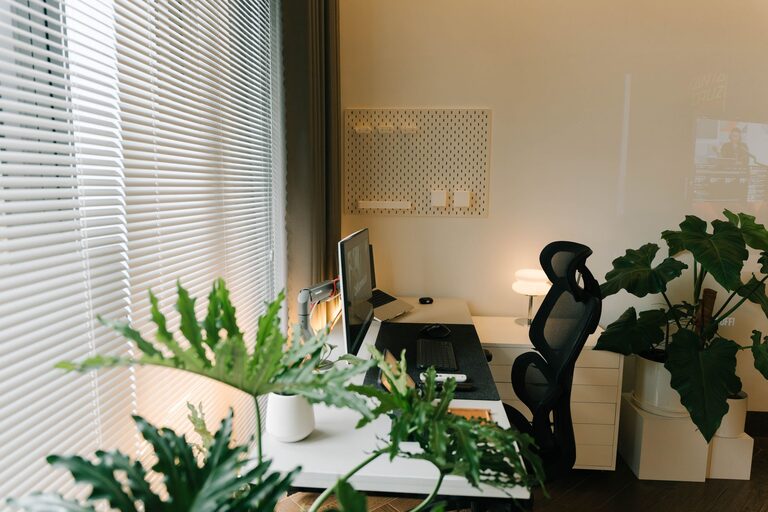
Creating a productive home office space is essential for anyone working remotely or managing tasks from home. A well-designed workspace helps you stay focused, organized, and motivated throughout the day. Whether you have a dedicated room or a small corner in your living area, there are simple and effective ways to optimize your home office environment. Here are some tips to help you create a space that supports your best work.
Choose the Right Location
The first step in setting up a home office is selecting the right spot. Ideally, choose a quiet area with minimal distractions where you can focus. Natural light is a bonus, as it enhances mood and energy levels.
– Separate from living areas: If possible, pick a room or corner away from high-traffic zones.
– Consider privacy: Use screens or dividers if your office space is shared or open.
– Accessibility: Ensure your workspace is easily accessible and close to necessary resources.
Invest in Comfortable Furniture
Comfort plays a crucial role in your productivity. Sitting for long hours in an unsuitable chair can cause discomfort and health issues.
– Ergonomic chair: Look for adjustable chairs that provide good lumbar support.
– Desk height: A desk at the right height helps maintain proper posture.
– Footrest and accessories: If your feet don’t rest flat on the floor, consider a footrest. Use keyboard trays and monitor stands to minimize strain.
Organize Your Workspace Effectively
Keeping your home office neat and clutter-free helps reduce distractions and improves focus.
– Declutter: Only keep essential items on your desk.
– Storage solutions: Use shelves, filing cabinets, or drawers to store supplies and documents.
– Cable management: Use clips, sleeves, or boxes to organize cords and prevent tangling.
Optimize Lighting
Lighting affects your comfort and concentration. Poor lighting can cause eye strain and fatigue.
– Natural light: Position your desk near a window without direct glare on your screen.
– Task lighting: Use adjustable desk lamps for focused light on documents or keyboard.
– Ambient light: Soft overhead lighting reduces shadows and complements natural light.
Minimize Noise and Distractions
A quiet environment allows for better concentration, especially during meetings or deep work sessions.
– Noise-cancelling headphones: Useful if you have unavoidable background noise.
– Soundproofing: Consider rugs, curtains, or acoustic panels to reduce noise.
– Set boundaries: Communicate your work hours to household members to minimize interruptions.
Personalize Your Space
Adding personal touches can make your workspace more inviting and motivating.
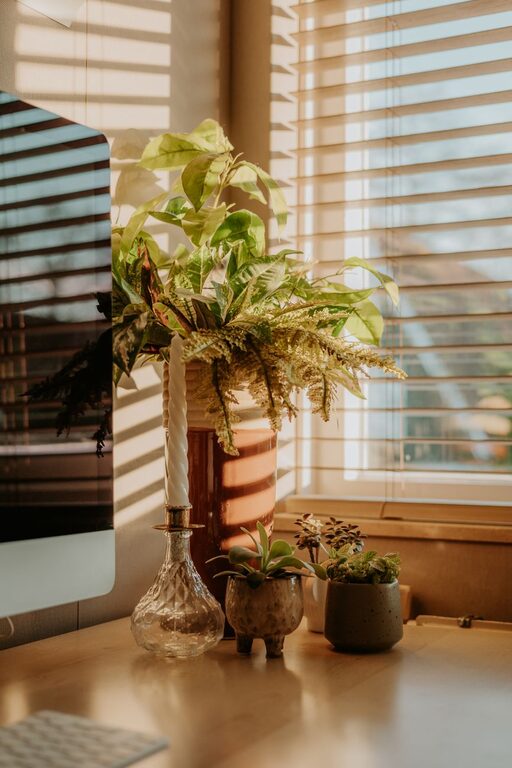
– Decor: Use plants, artwork, or photos that inspire you.
– Color: Choose colors that energize or calm you, depending on your taste.
– Comfort items: A cozy throw or cushion can add warmth.
Establish a Routine
A home office is more effective when paired with a regular schedule.
– Set work hours: Stick to consistent start and end times.
– Take breaks: Step away regularly to stretch and refresh.
– Separate work and leisure: Avoid working in bed or couch to maintain boundaries.
Use Technology Wisely
Technology should facilitate your work, not complicate it.
– Reliable internet: Ensure you have a stable and fast connection.
– Essential tools: Invest in a good computer, monitor, keyboard, and mouse.
– Digital organization: Use apps for task management, calendars, and communication to stay organized.
Keep Your Workspace Clean
Regular cleaning helps maintain a healthy and pleasant environment.
– Daily tidying: Spend a few minutes at the end of each day organizing your desk.
– Weekly cleaning: Dust and wipe surfaces to keep your space fresh.
—
By thoughtfully creating your home office with these tips, you can enjoy a space that helps you stay productive, comfortable, and inspired all day long. The key is to balance functionality with personalization while maintaining healthy work habits. A well-designed home office can make working from home a rewarding and efficient experience.
About the Author